Introduction
A mesh always reflects the geometry it represents—some are simple, efficient, and ready for simulation,
while others appear cluttered, warped, or unstable. The difference usually isn't due to the meshing algorithm,
the solver, or the CAD model itself, but a more essential concept:
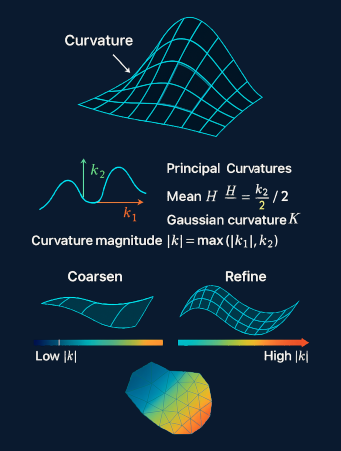
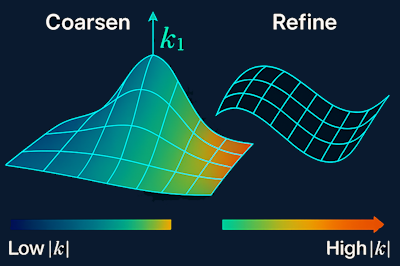
Curvature subtly influences element size, orientation, refinement, and even topology. Gaining insight into curvature means understanding why meshes behave as they do. This article introduces curvature from a CAE point of view—as a practical tool rather than purely theoretical differential geometry.